Transform Photos into AI Videos
Create stunning videos from static images with our advanced AI technology. Simply upload, describe your vision, and watch magic happen.
Upload Your Photo
Drag and drop your image or click to browse files. Supports JPG, PNG, and WebP formats.
or drag and drop
PNG, JPG, WebP up to 10MB
Supported Formats
- • JPG/JPEG
- • PNG
- • WebP
- • HEIC
Guidelines
- • Max 10MB
- • Min 512x512px
- • No watermarks
- • Clear subjects
Recent Uploads
Pro Tips

Use high-quality images
Better input = better output
Clear subjects work best
Avoid cluttered backgrounds
Describe Your Vision
Tell the AI exactly what motion you want to see in your photo. Be specific and creative.
Prompt Examples
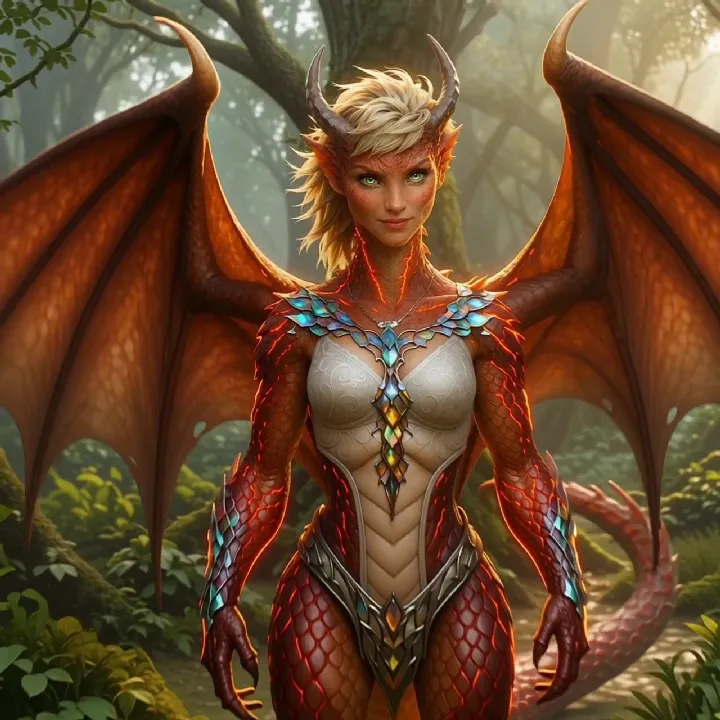
"Dragon breathing fire, wings flapping slowly"
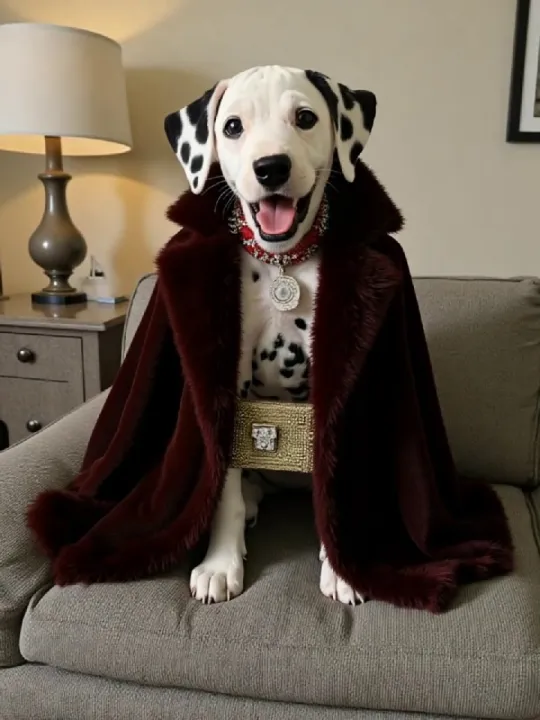
"Retro pet styling with neon lights"
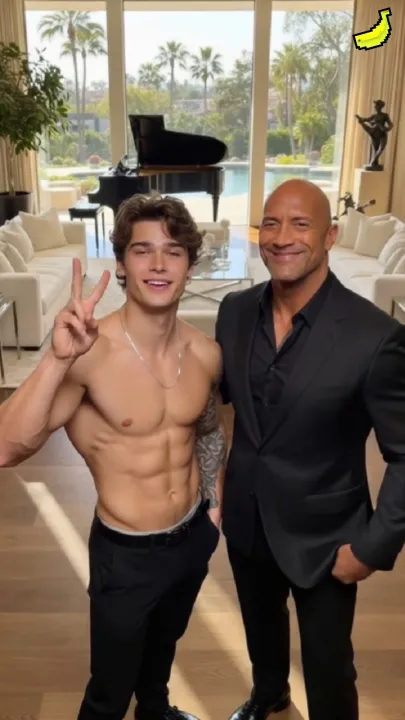
"Celebrity photo with animated background"
Pro Tips
- • Be specific about motion
- • Include lighting details
- • Mention camera movements
- • Describe atmosphere
Video Generation
Watch as AI transforms your photo into dynamic video content
Processing your video...
Model
PixVerse V5
Resolution
1080p
Duration
5s
Generation Queue
Agent Animation
Processing...
Material Change
Complete
Estimated Time
Recent Generations
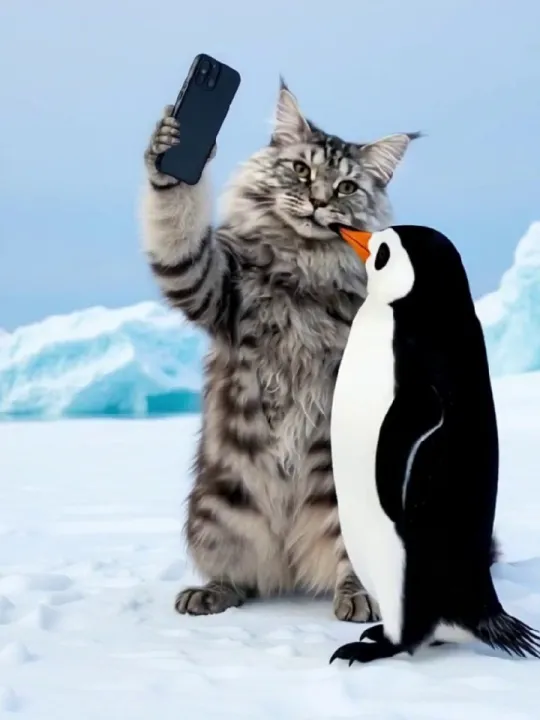
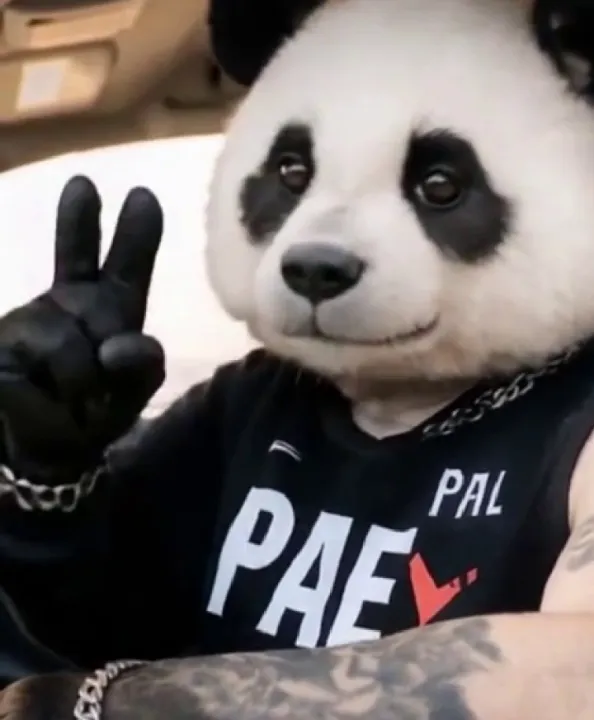
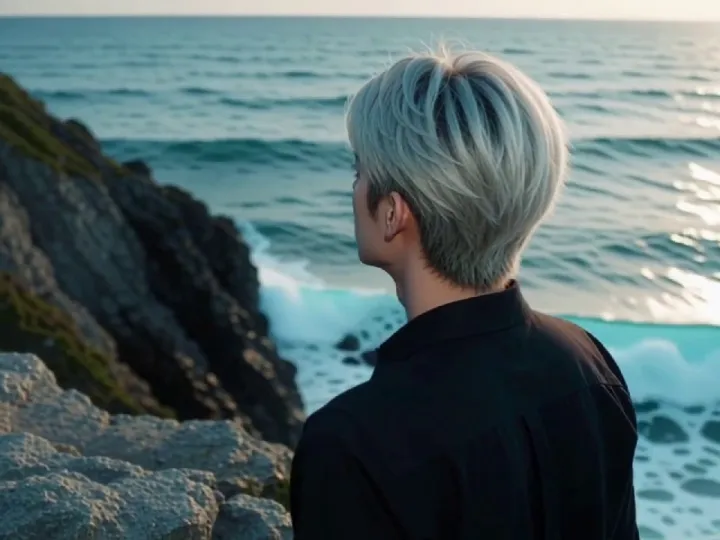
Preview Your Creation
Watch your AI-generated video and make final adjustments
Video Settings
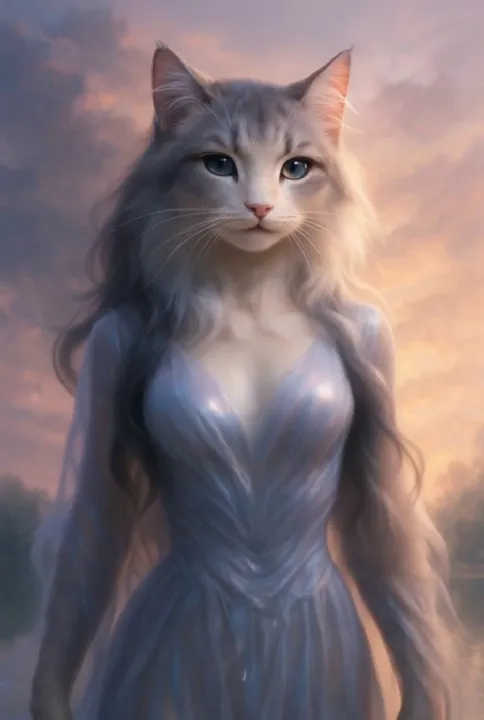
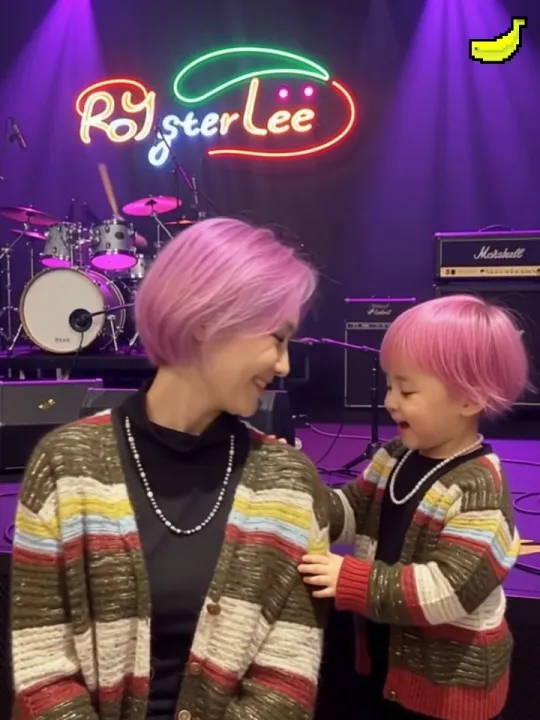
Other Creations
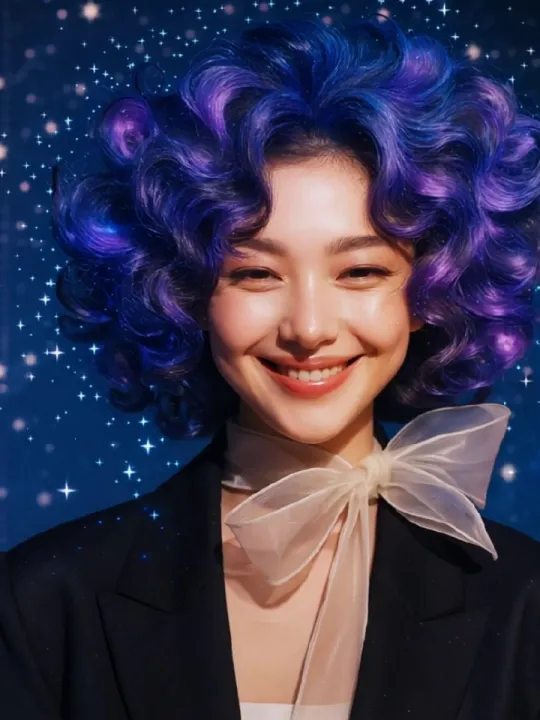
Ready to Download?
Your video is ready for download in high quality
Download Your Video
Get your AI-generated video in multiple formats
Download Options
HD Video (1080p)
MP4 • 25.6 MB
Standard (720p)
MP4 • 12.8 MB
Social Media
MP4 • 8.4 MB • Optimized for sharing
Share Your Creation
Your Downloads
Dragon Animation
2 minutes ago
Retro Pet Style
5 minutes ago
Celebrity Collab
10 minutes ago
Pro Tip
Save your videos to cloud storage for easy access across devices
Download Complete
Your video is ready and saved to your device
Features
Everything you need to create stunning AI videos
PixVerse V5 Engine
Sharper, smoother, smarter, faster. All in one model.
AI Agent Creation
Summon your agent for more than templates.
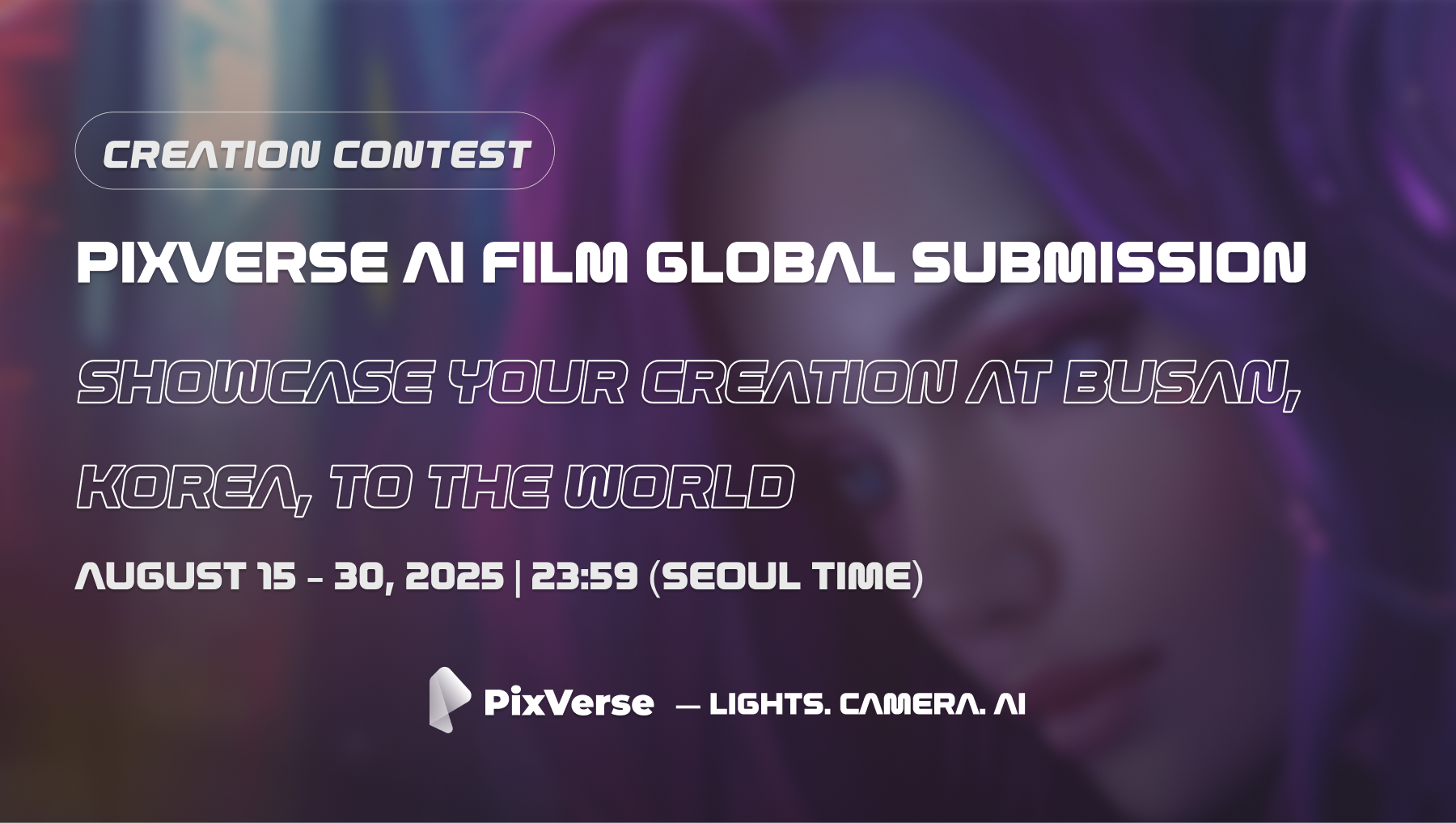
Global Film Festival
Showcase your AI film at Busan International Film Festival.
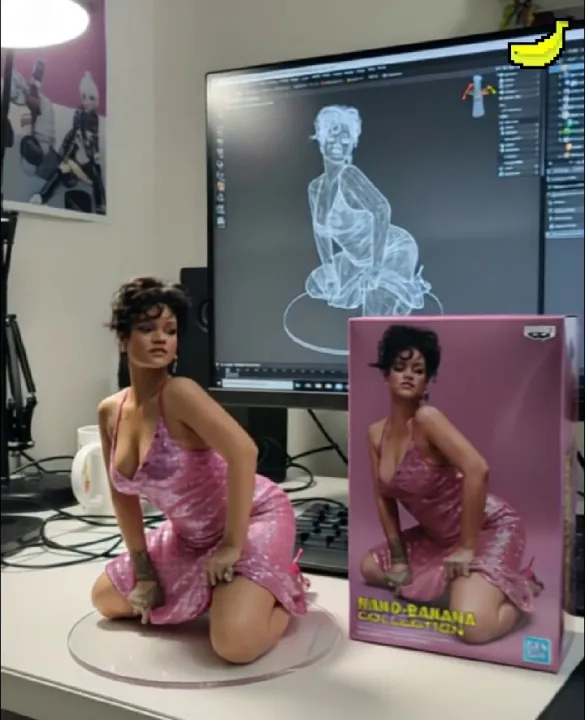
3D Figurine Factory
Transform any photo into 3D animated characters.
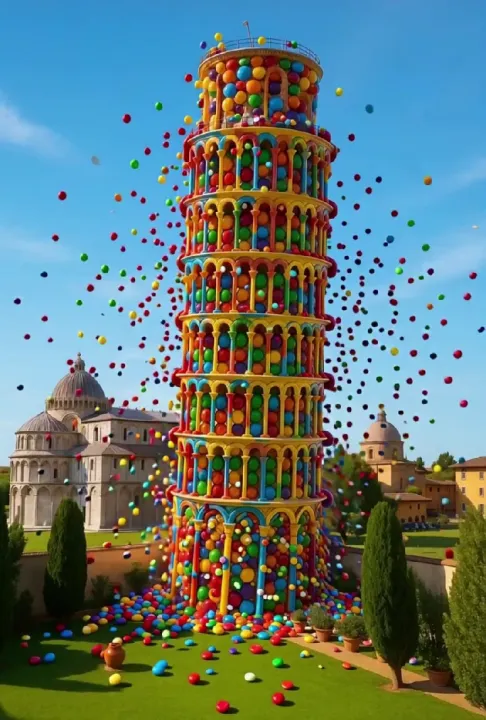
Material Transformation
Everything can change material with AI precision.
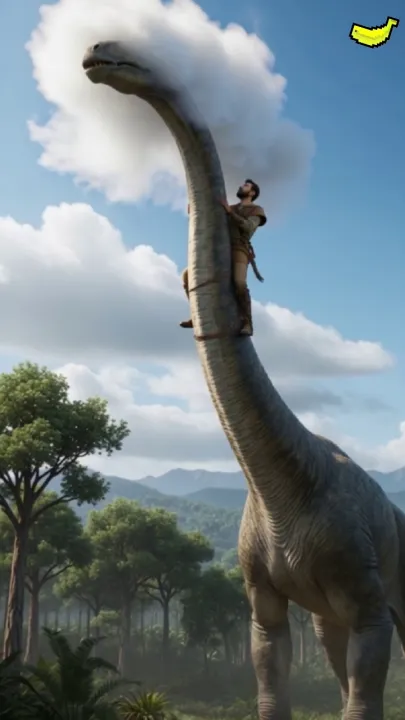
Dragon Tamer
Bring mythical creatures to life with stunning detail.
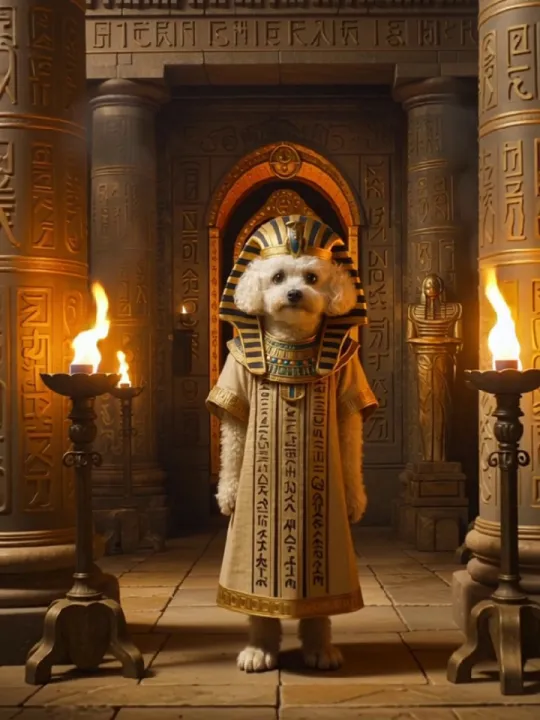
Retro Styling
Pet retro styling pop-up with vintage aesthetics.
Celebrity Collabs
Photo with celebrities using AI magic.
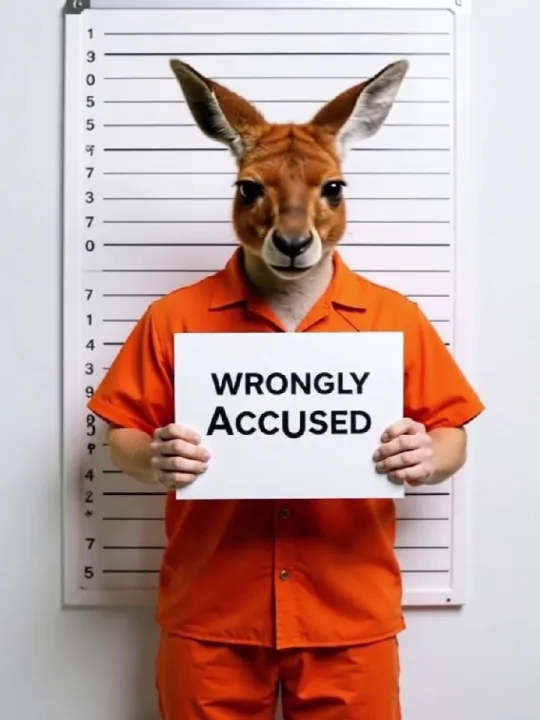
Adorable Criminal Files
Create charming character animations.
Ready to Start Creating?
Join thousands of creators making amazing AI videos
Customer Stories
See what creators are making with AI
"Turned my pet photo into a magical dragon video. My followers went crazy!"
Sarah M.
Content Creator
"Created viral content in minutes. Game-changer for my marketing campaigns."
Mike T.
Marketing Director
"The quality is incredible. My vintage photo collection came to life!"
Lisa K.
Photographer
4.9/5
from 10,000+ creators worldwide
Frequently Asked Questions
Get answers to common questions
What types of photos work best?
High-resolution images with clear subjects work best. Landscapes, portraits, and objects all generate excellent results.
How long does generation take?
Most videos complete in 2-5 minutes depending on prompt complexity and resolution selected.
What file formats are supported?
We support JPG, PNG, and WEBP images. Videos are delivered as high-quality MP4 files.
Can I edit the generated videos?
Yes! All videos can be downloaded and edited in your preferred video editing software.
Is there a watermark on free videos?
Free videos include a small watermark. Pro and Enterprise plans remove all watermarks.